Web client
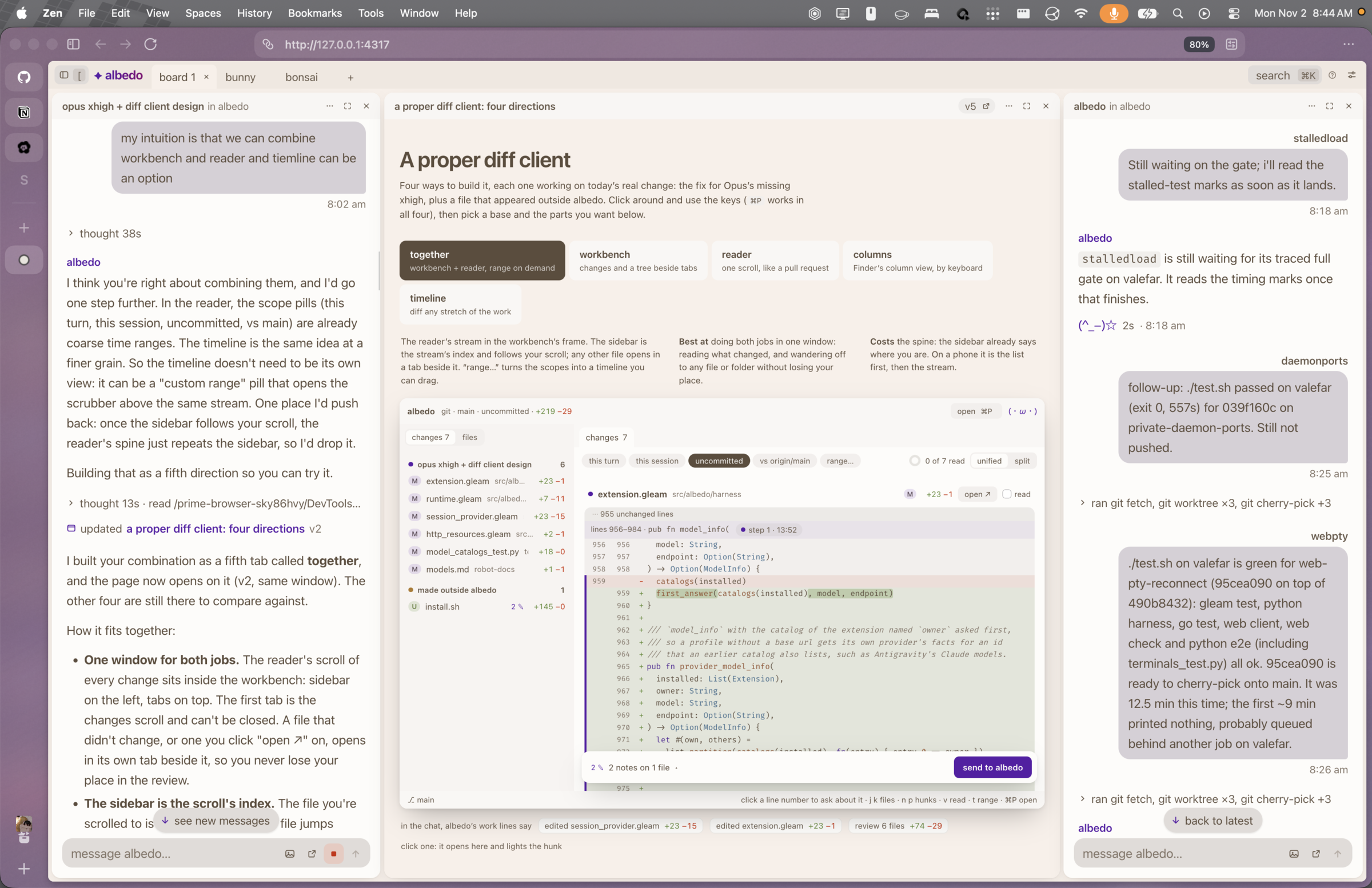
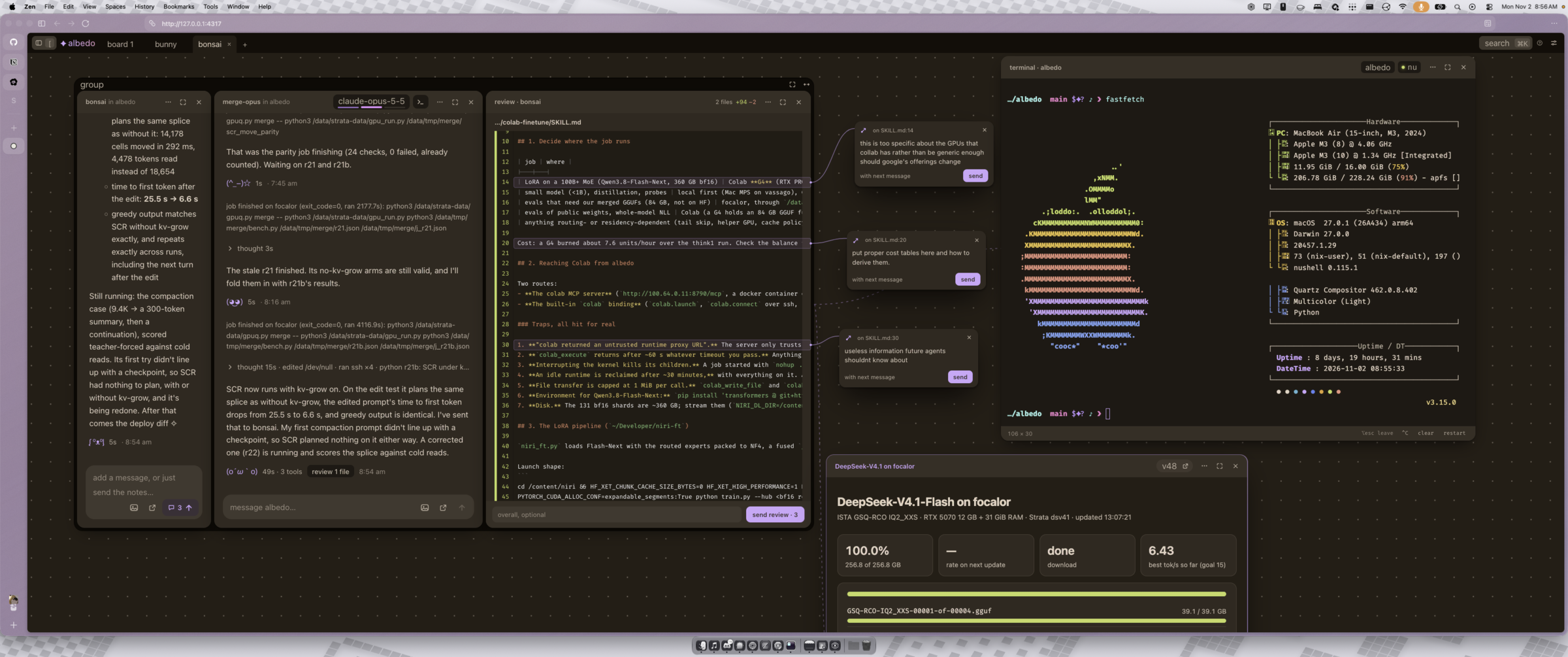
The web client is a canvas of chat windows on a desktop and one chat at a time on a phone. It talks to the same daemon and the same agents as the terminal client, so you can start something in one and pick it up in the other.
On this page: Open it, Use it from your other devices, and Find your way around.
Open it
albedo webThis starts the daemon if none is running, serves the client on
127.0.0.1:4317, opens your browser, and prints a link that signs the browser
in. In a terminal it also draws a QR code for your phone.
The server keeps running after the command returns:
albedo web --stop         # stop serving
albedo web --foreground   # serve in this terminal until Ctrl-C
albedo web --no-open      # print the link without opening a browser
albedo web --port 0       # pick a free port
With the Nix package this works straight away. From a checkout, build the client once first:
npm --prefix web ci
npm --prefix web run buildUse it from your other devices
Anyone holding a sign-in link controls the daemon, so only open the client to your own devices.
- Tailscale: on a machine signed in to Tailscale,
albedo webalso serves your tailnet and prints a link with the machine's tailnet name. Open that link on your phone or another computer.albedo web --localserves this machine only. - A home network:
--allowserves a network instead of the tailnet. Only devices on an allowed network can connect.
albedo web --allow 192.168.1.0/24
albedo web --allow 10.0.0.0 --allow 100.64.0.0 # trailing zeros mean any: 10.0.0.0/8- Every time you log in:
--saveremembers the allowed networks and installs a login service, so the client is always there.albedo web --savewith nothing else forgets them and removes the service. - HTTPS on your tailnet:
albedo web --tailnet-httpsserves throughtailscale serveon the machine's MagicDNS name. A page needs HTTPS for notifications and the clipboard to work. HTTPS certificates must be turned on for the tailnet. - Behind your own proxy:
--public-url https://albedo.examplenames the address the proxy serves, so the printed link and QR code use it.
If a link got somewhere it should not have, albedo web --new-link replaces it
and signs every browser out.
Find your way around
- New session: pick a folder, a provider, a model, and an effort level. A folder can be on another machine.
- Chats: live, with images,
/commands, and a model picker in the composer. - Reviews: read a turn's changes as highlighted diffs, tie notes to lines, a message, or a window, and send them back as one message.
- Artifacts: pages Albedo makes for you open beside the chat that made them.
- Everything else: press
⌘Kfor the command palette, or?for the keys.